
How to Specify a Grounding Mat for Desk Use
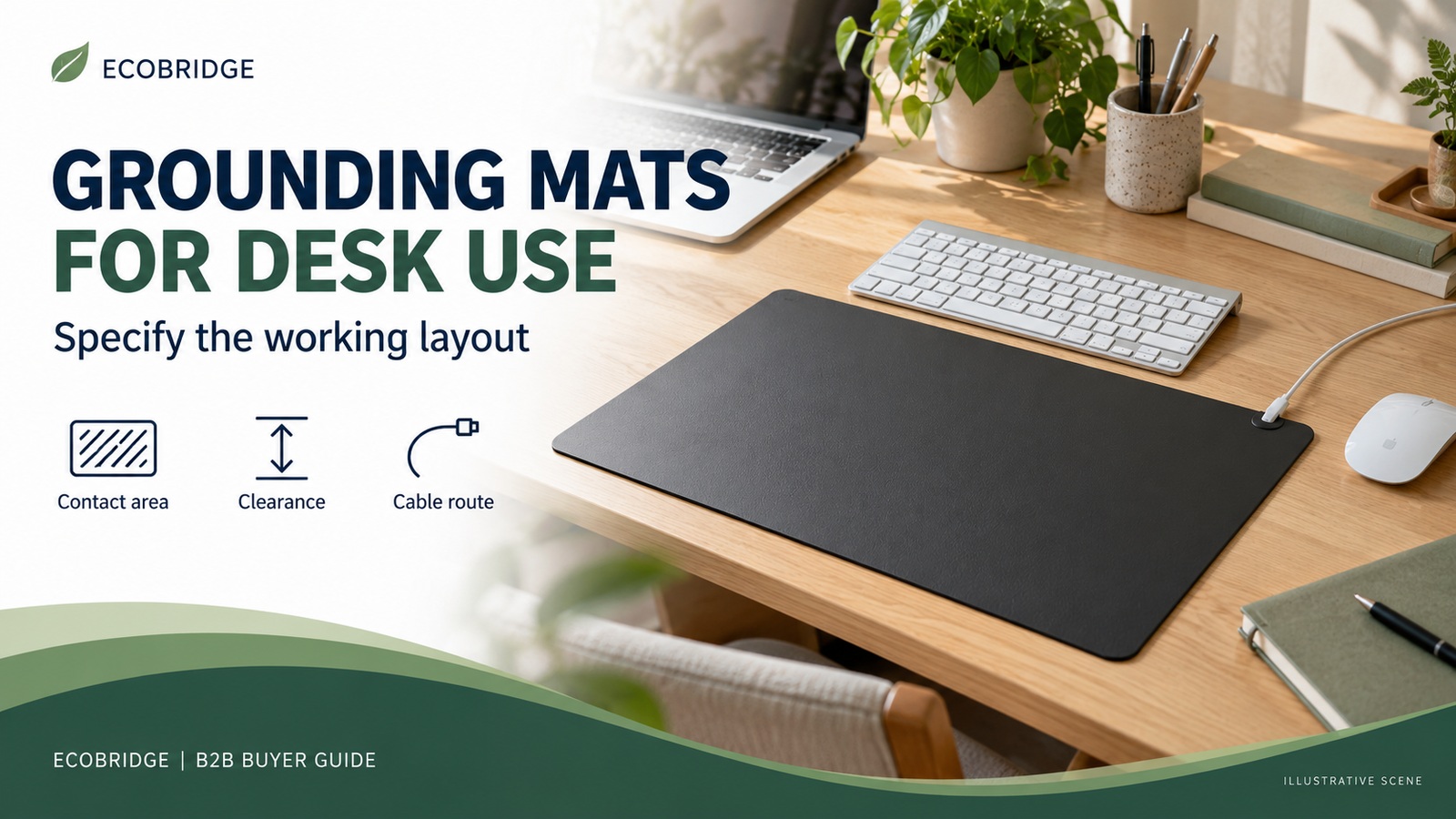
Specify a grounding mat for desk use around the working layout, usable contact surface and complete connection system—not its outside dimensions alone. Define where hands or forearms are intended to contact the approved face, what the keyboard and mouse will cover, where the connector can sit without interference, and how the cord will reach the approved grounding connection. Then evaluate the actual sample on representative desks before approving production.
This guide is for importers, distributors and private-label brands developing an ordinary desktop product. Under-foot mats and bedding need different use trials. Electronics assembly benches also require a separate electrostatic-discharge control assessment. Nothing in this guide establishes health benefits, electrical-installation safety or ESD certification.
A desk mat can pass a documented resistance test and still be a poor retail product: the keyboard may occupy its intended contact area, the mouse may catch on its edge, or the cable may pull it sideways whenever the desk moves. The buying decision must resolve both the specified conductive path and the layout the customer will actually use.
The route through this guide is simple: choose the desktop role, draw the usable zones, test the supplied system in that layout, and approve the packed product only after transport and setup have been considered.
Choose one desktop role before choosing a size
“Desk use” can describe several different products. A small hand-contact mat placed next to a keyboard is not interchangeable with a full desktop pad or a mouse mat. If marketing photographs imply all three uses, the sample program needs to support all three. Otherwise, select the primary use and make the packaging consistent with it.
| Desktop role | What the buyer should define | Sample question that can change the decision |
|---|---|---|
| Contact mat beside a keyboard | Intended contact location, reach, edge position, connector clearance and available desk space. | Does ordinary typing or pointing leave the intended contact area unused? |
| Pad beneath keyboard and mouse | Equipment footprint, remaining accessible contact zones, edge thickness, mouse travel and keyboard stability. | Is enough of the specified contact surface accessible after the equipment is placed? |
| Mouse mat with intended hand contact | Supported pointing-device examples, tracking area, hand position and cord exit outside mouse travel. | Do both tracking and intended contact remain practical during normal movement? |
These are development scenarios, not claims that a particular ECOBRIDGE model has already passed those trials. A buyer can start with the ECOBRIDGE PU earthing mat page and request the current drawing and sample configuration for the intended project. Do not convert a catalogue photograph into an approved dimension or a verified desktop performance claim.
The broader grounding mat RFQ guide covers the full commercial inquiry. This article addresses the narrower design problem: what must fit and work together on the desktop before that inquiry can become an approved product.
Draw three zones: product footprint, equipment and intended contact
A single length-by-width dimension describes the outer footprint. It does not describe how much of the relevant face remains accessible. Put the proposed mat, keyboard, mouse and other regular objects on a simple layout drawing. Mark the intended contact zones separately from the areas occupied by equipment.
Usable contact surface here means the area the buyer intends the customer to access on the approved conductive face in the stated setup. It is a layout definition, not a measured health dose or proof of continuous body connection. The supplier must identify the relevant face and any areas whose construction differs. Edge binding, printed areas or other details should not be assumed equivalent without evidence for the actual design.
For a keyboard-spanning format, check where forearms move during typing and where the mouse travels. For a separate contact mat, check whether reaching it forces the user away from their normal keyboard position. Sleeves, other desk pads or an added decorative cover can change the contact arrangement; the product photograph should not imply that every layer provides the same path.
Keep the mat compatible with a sensible workstation layout. OSHA’s keyboard guidance discusses placement that allows relaxed shoulders, elbows near the body and neutral wrists. Use this as a reason to evaluate placement with the rest of the workstation, not as an endorsement of grounding products or evidence that this mat prevents discomfort.
Record the agreed overall dimensions and tolerances alongside the layout. A sample should be assessed in its normal, unstretched state under the agreed preparation conditions. Avoid solving a poor layout simply by increasing size: a larger pad may obstruct a monitor base, laptop ventilation or the space needed to move equipment. Check the actual equipment instructions where relevant.
Reserve space for the connector and for both handed layouts
Define a connector keep-clear zone on the drawing. This is the space needed for the installed connector, the mating cord end and normal movement without being pressed under equipment or repeatedly caught by a hand. Its size depends on the real assembly. A dot on a drawing is insufficient if the physical connection protrudes farther than expected.
Evaluate a right-side and a left-side mouse layout. A connector that sits outside one person’s mouse travel can occupy another person’s working area. If the plan relies on rotating the mat, confirm that the resulting edge, branding orientation, contact zones and cord route still work. Rotation on the desk is different from flipping the mat over; do not assume both faces have the same function.
Use the actual supplied cord for this evaluation. A convenient substitute may have a different plug body, stiffness or exit direction even when it appears to mate with the snap. Mechanical fit also does not establish electrical equivalence. The snap connector and cord guide explains why the pair should be approved together.
For an adjustable-height desk, assess the cord route throughout the desk’s intended movement using the approved setup. Look for pinching, rubbing, tension and interference with drawers, monitor arms or moving supports. A longer cable may solve tension in one position while creating an unmanaged loop elsewhere. Specify the route and cable management approach rather than choosing length in isolation.
Do not instruct customers to improvise a grounding point from a computer port, exposed conductor, radiator or arbitrary metal desk leg. Identify the approved connection arrangement and destination version in the product documentation. Building wiring and electrical-assessment questions require qualified personnel. The layout trial does not verify the safety of a socket or installation.
Separate mouse tracking, mat movement and surface flatness
Three different complaints can sound like “the mat does not work on my desk.” The mouse may track inconsistently, the entire mat may migrate, or an edge may curl into the working area. Give each a separate sample observation so corrective action addresses the right issue.
For tracking, list the pointing devices used in evaluation and the surface condition. Check ordinary travel, small adjustments and movement near the usable boundary. Record any skips or interruptions under the agreed trial. Do not claim universal optical or laser compatibility from one successful mouse demonstration. If tracking is not part of the product’s intended role, avoid describing it as a replacement mouse pad.
For movement, test representative desk finishes under normal dry conditions and the planned equipment load. Identify the substrates in the report. “Non-slip” without a stated evaluation is too broad: performance observed on one clean laminate surface does not establish performance on every glass, wood or coated desk. Record whether the sample moves during the agreed keyboard and mouse tasks and whether its edges interfere with those tasks.
For flatness, examine the sample after unpacking and any supplier-approved recovery period. Record the packaging format, orientation and preparation conditions. A sample stored flat for weeks does not show how a customer will experience a newly delivered rolled product. Establish an acceptance procedure that distinguishes temporary packaging effects from unacceptable lasting distortion, without inventing a recovery time the supplier has not supported.
Keep customer setup instructions within the validated procedure. Do not solve curl with improvised heat, solvents or reverse folding unless the manufacturer has specifically supported that treatment for the actual construction.
Check the conductive path without confusing it with the layout trial
Physical usability and electrical measurement answer different questions. A working layout does not establish the conductive path. Equally, a laboratory result cannot show whether the customer will place their hands on the intended area. Maintain separate records for both, linked to the same product revision.
Agree the measurement method, sample preparation, equipment, test points, contact arrangement, environmental conditions where relevant and acceptance criteria before comparing samples. Identify whether a reported result concerns the surface or the complete specified path through the connector and cord. Record values and units rather than relying on a continuity beep or a photograph of a tester.
Map the chosen measurement points to the actual construction and intended accessible areas. If logos, surface finishes or construction boundaries are relevant to the path, discuss their inclusion with the responsible test personnel. Do not assume that a convenient central measurement represents every location the customer is expected to use.
There is no universal resistance threshold in this guide. Compare like methods and configurations, and preserve any specified components in the approved system. A lower reading is not automatically an improvement. The conductivity report comparison guide explains how changes in sample state and measurement setup can undermine an apparent comparison.
Keep the warehouse or development check within the approved unpowered procedure. A passing result does not prove that a building’s earth is suitable, that an accessory complies with every market requirement, or that the product produces a health outcome.
A desk grounding mat is not automatically an ESD worksurface
ESD means electrostatic discharge. Electronics-handling controls protect susceptible parts and assemblies under a defined program. The EOS/ESD Association’s ANSI/ESD S20.20 description identifies administrative and technical requirements for such a program. That is a different purchasing scope from an ordinary consumer desktop contact mat.
If a customer intends to assemble or repair sensitive electronics, involve the responsible ESD specialist and identify the required qualification, installation and verification evidence. A conductive-material description, snap connector or consumer grounding test cannot establish suitability for that work. Do not add “ESD safe,” “anti-static protection” or a standard logo to packaging merely because the product is called a grounding mat.
This boundary also helps sales teams route inquiries correctly. A consumer desk accessory inquiry and an electronics-manufacturing worksurface inquiry may use similar words while needing different products and evidence.
Approve the delivered experience, including care and setup
Desk products encounter repeated hand movement, equipment repositioning and cleaning. Ask which surface and care statements apply to the exact construction, and what evidence supports them. “Wipe clean” should identify the approved agent and procedure; it is not permission to use any office disinfectant, abrasive or solvent.
If the intended channel expects repeated cleaning or a particular surface-durability claim, define the evaluation with the supplier and appropriate technical personnel. Record the cleaning product, application, drying, cycles and acceptance criteria. Assess the relevant appearance, mechanical and conductive-path characteristics afterward. Do not invent a universal cleaning-cycle count or guaranteed service life.
Use the proposed retail packaging for the final sample review. Check whether the cord or connector can press into the contact face, whether folding or rolling affects the working area, and whether the package protects the approved finish during handling. These are observations to evaluate; the photograph alone cannot prove transport protection.
Customer-facing illustrations should match the approved orientation and accessory version. Show the relevant face, intended placement and supported cable route. If two handed layouts are supported, make both intelligible without suggesting that the underside can be used interchangeably. Keep the care instructions and troubleshooting consistent with the sample evidence.
When a larger sample loses to a smaller one
Hypothetical procurement example: a brand compares a broad keyboard-and-mouse pad with a compact contact mat. The broad sample appears better value by area, and both samples meet their agreed conductive-path criteria. In the representative desk trial, however, the keyboard occupies most of the broad sample’s intended contact zone. Its connector also conflicts with the left-handed mouse layout.
The compact sample can be positioned more usefully beside the keyboard in that trial. That does not make smaller mats universally better. It shows that total surface area did not describe the requirement the brand was buying. The team can approve the compact role, revise the broad layout, or run further trials against a clearly defined second use case.
The decision record should explain the accepted layout, tested devices and substrates, supported orientation and unresolved limits. Do not let the successful compact sample authorize a differently shaped production mat with the same material name. Preserve the layout drawing as part of the sample approval record.
Frequently asked questions
What is the best grounding mat size for a desk?
There is no universal size. Define the desktop role, equipment footprint, intended accessible contact areas and connector clearance first. Compare physical samples in representative layouts rather than approving size from a photograph alone.
Can any grounding desk mat replace a mouse pad?
Only claim that use when the actual surface has been evaluated with the intended pointing devices and movement area. A conductive-path result does not establish tracking performance, friction or edge suitability.
Should a buyer choose a larger mat for more contact?
A larger outside footprint may leave less accessible area once equipment is positioned. Evaluate the intended contact zones in the working layout. Do not turn size or contact area into a health-effect claim.
Can the same design support left- and right-handed users?
It can if both layouts work with the approved face, connector position and cord route. Test both. Rotating the product may help, but flipping it over requires separate confirmation of the underside’s intended function.
Does a non-slip backing work on every desktop?
That cannot be assumed. Identify the desk finishes, surface condition, equipment load and tasks used in evaluation. Keep any movement-related claim within the scope supported by those results.
Is a grounding desk mat automatically ESD safe?
No. Electronics-handling use requires its own applicable qualification and control evidence. A consumer grounding description or one resistance reading does not demonstrate compliance with an ESD program.
What should be retained after desk sample approval?
Retain the product revision and reference sample, annotated layout, connector-and-cord specification, test methods and results, device and substrate trial records, care instructions and approved packaging. Record any limitations as well as passes.
Give the supplier a layout they can build and verify
For an ECOBRIDGE desk-mat inquiry, describe the primary desktop role and destination market, then provide the proposed working layout. Ask for a current product drawing, matched accessories and samples for the defined trials. Approval should connect the physical layout, measured path, supported claims and delivered package to one revision. That gives the buyer a usable desktop product specification instead of an outside dimension that leaves the customer to solve the rest.